Record yourself and the scene at the same time for vlogs, travel, or walkthroughs.
Back to Apps
DuoScene
Dual camera recording and dual output
Record front and back cameras at the same time, or shoot once and export both 9:16 and 16:9 versions.
Get it onApp StoreGet DuoScene on the App Store.
2xcamera perspectives
9:16 + 16:9dual output
PIPsplit layouts
Interface
One take for both creator formats
Built for vlogs, reactions, walk-and-talk clips and creators who need vertical and horizontal videos quickly.
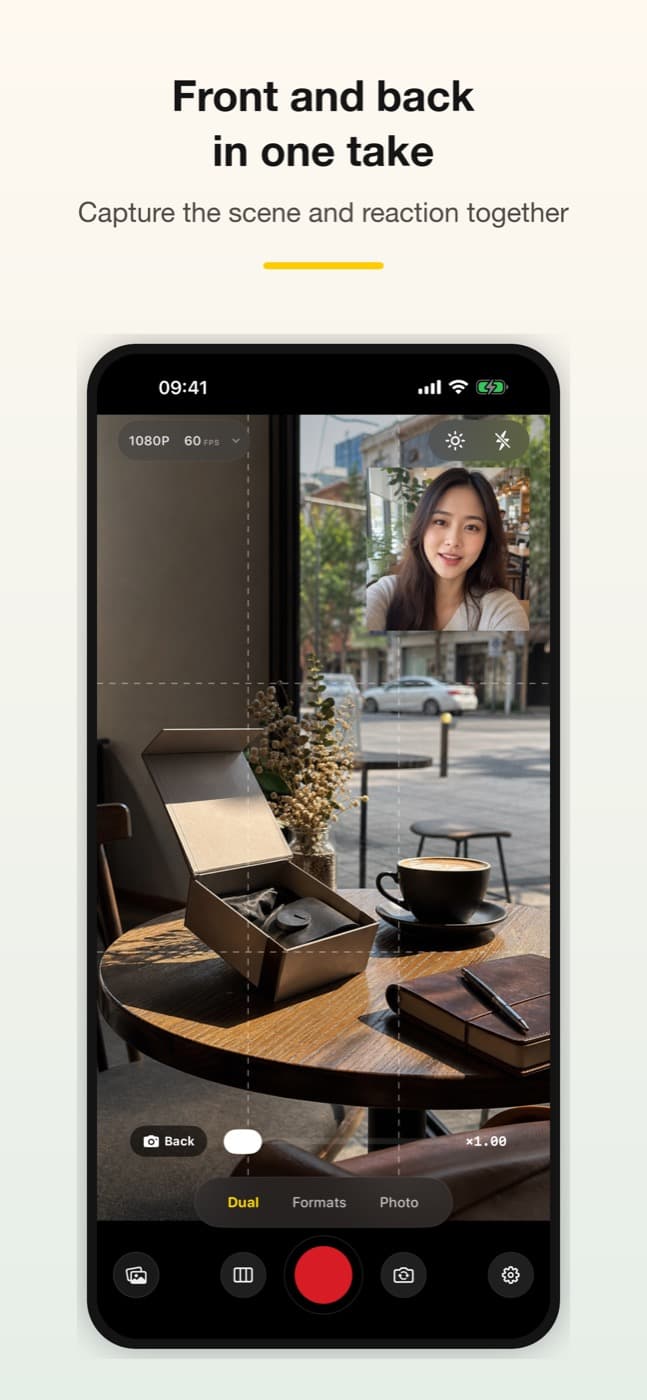
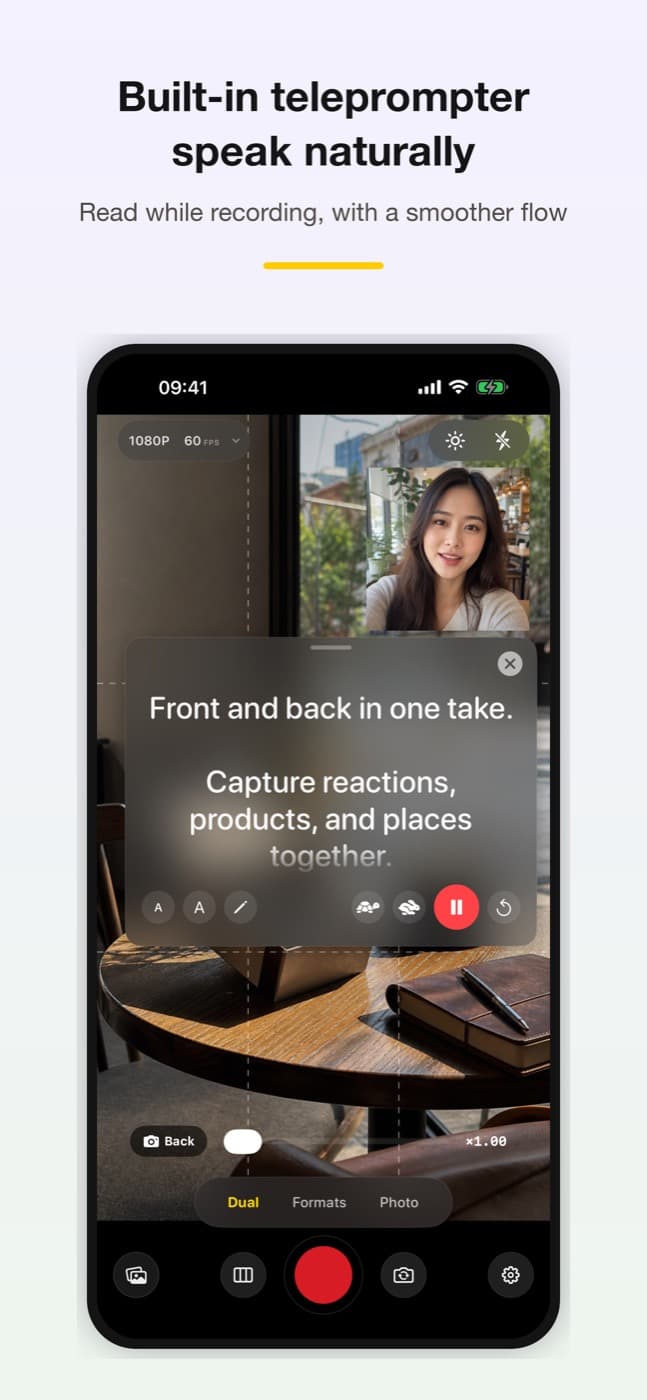
Record both cameras
Capture your face and what you see in one take
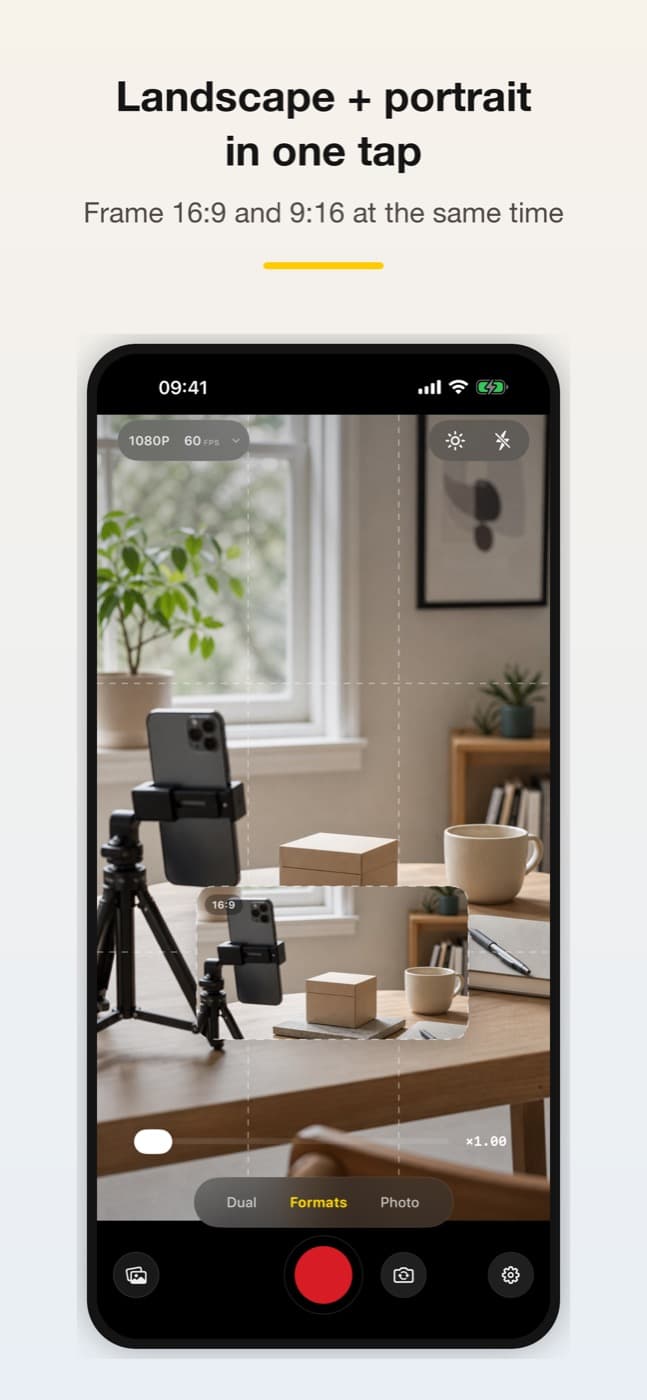
Export in two orientations
Generate portrait and landscape versions from one recording
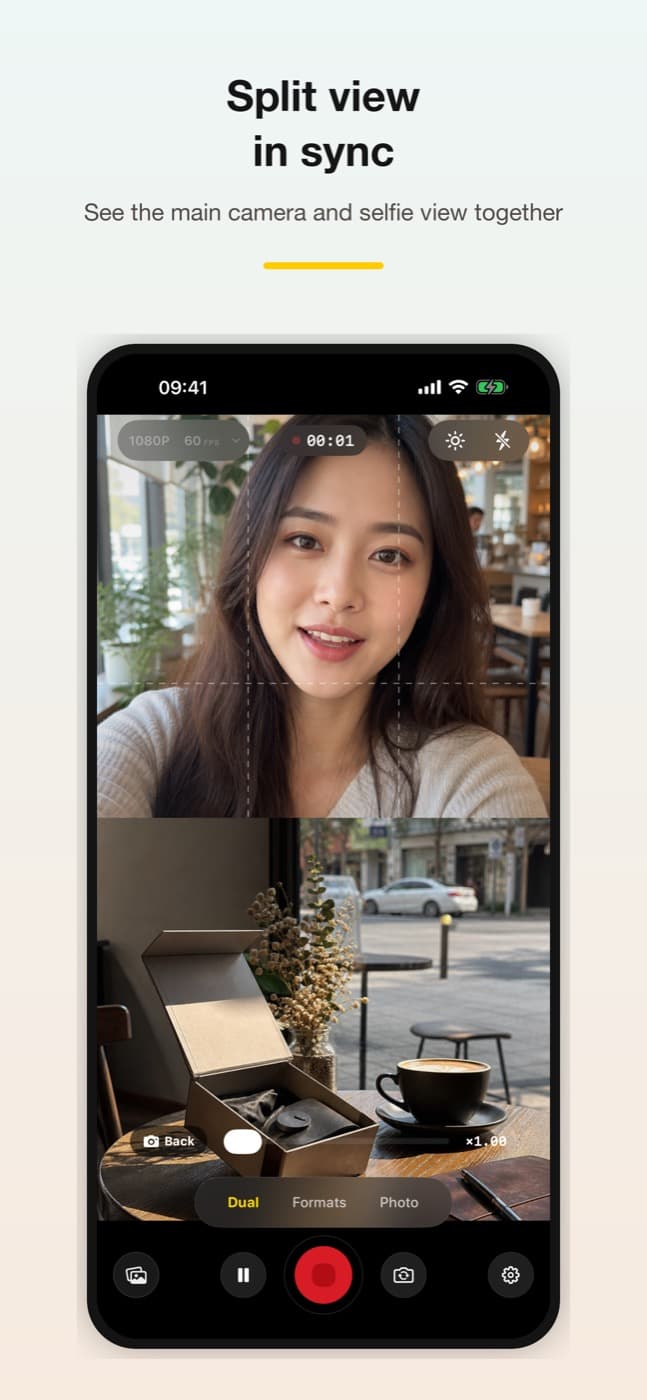
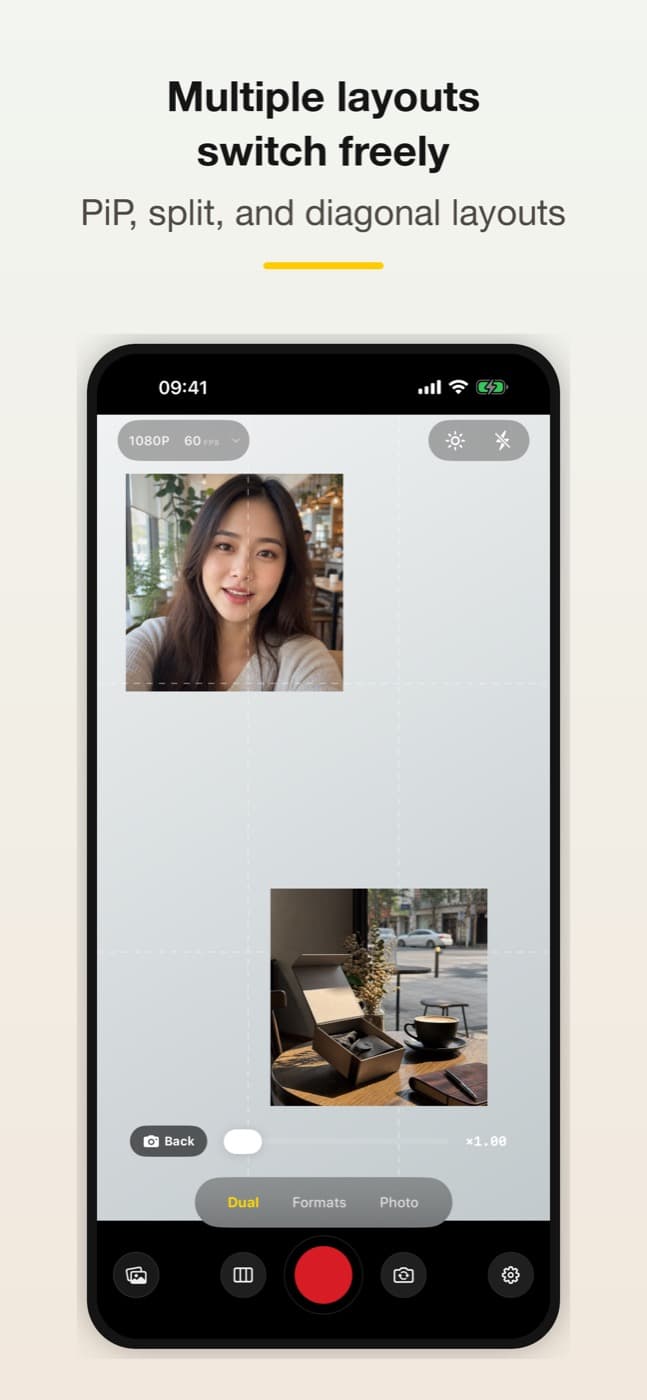
Choose your layout
Choose picture-in-picture, top/bottom split or diagonal layouts
Save to Photos
Save finished videos directly to Photos
Made for moments like these
Create reaction, tutorial, or commentary videos with front and back views together.
Prepare both vertical and horizontal versions from one recording.
Switch layouts quickly for interviews, lessons, demos, and field notes.
How it works
- 1Choose a layout
- 2Record with supported cameras
- 3Export both formats
- 4Publish without reshooting
Privacy
Capture-focused and local
DuoScene focuses on recording and exporting. App Store privacy information indicates that the app does not collect data.
Frequently asked questions
Will dual-camera recording work on every device?
No. Concurrent front-and-back capture, 4K and 60 fps options depend on the device hardware and supported capture combinations. Check the available modes on your device before recording.
What iOS version does DuoScene require?
DuoScene requires iOS 17 or later and can be downloaded from the App Store.
Get DuoScene on the App Store
Visit the App Store for details and downloads.