Record yourself and the scene at the same time for vlogs, travel, or walkthroughs.
Back to Apps
DuoScene
Dual camera recording and dual output
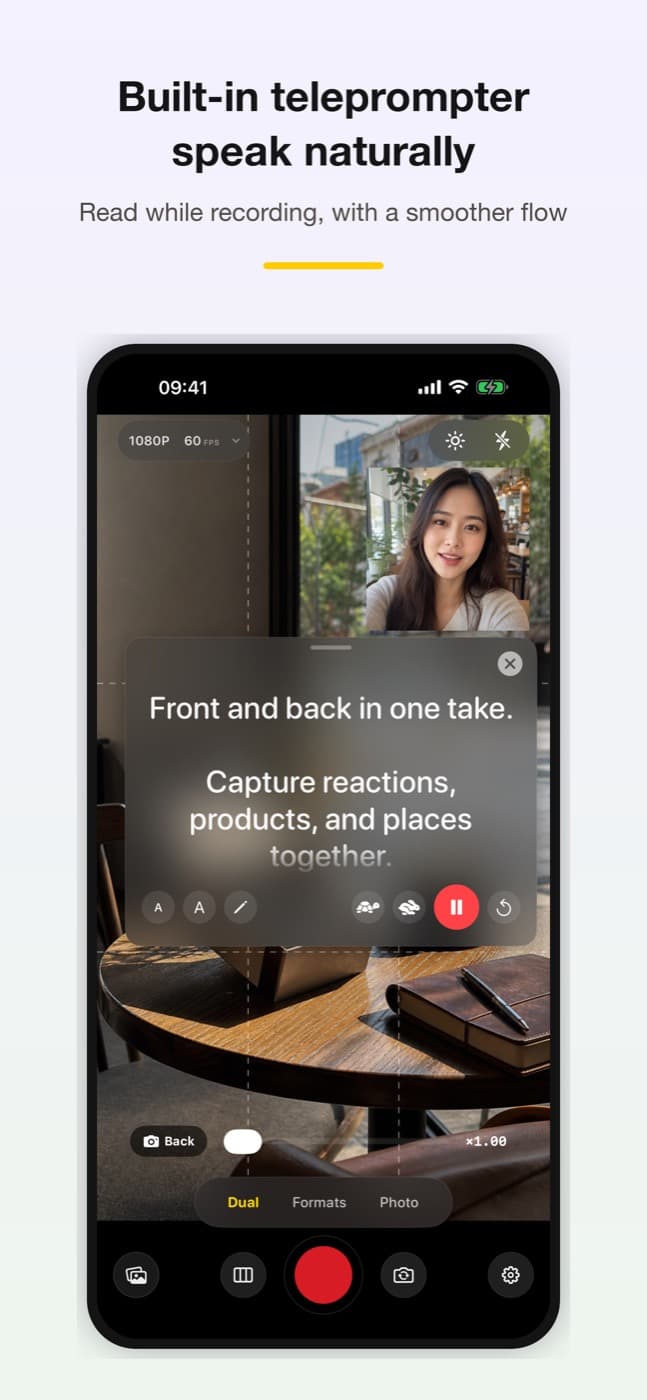
Record front and back cameras at the same time, or shoot once and export both 9:16 and 16:9 versions.
Get it onApp Store2xcamera perspectives
9:16 + 16:9dual output
PIPsplit layouts
Core Feature
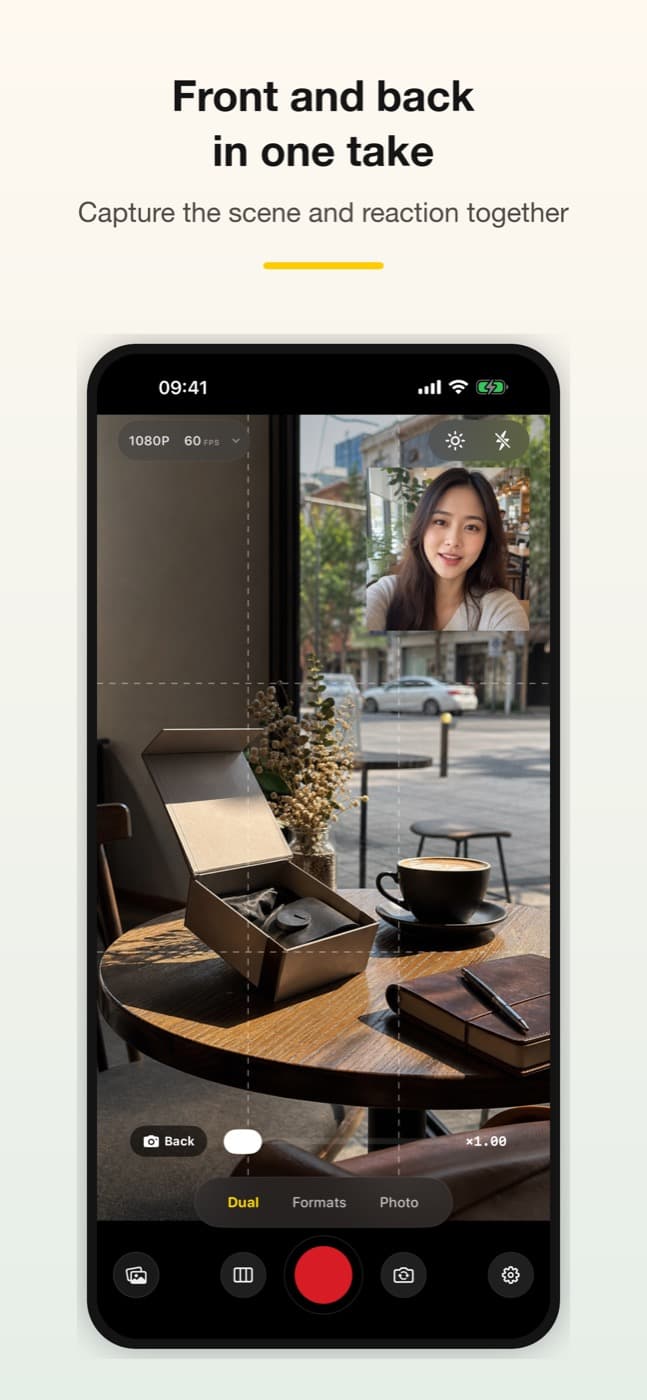
Capture your face and what you see in one take
Feature 2
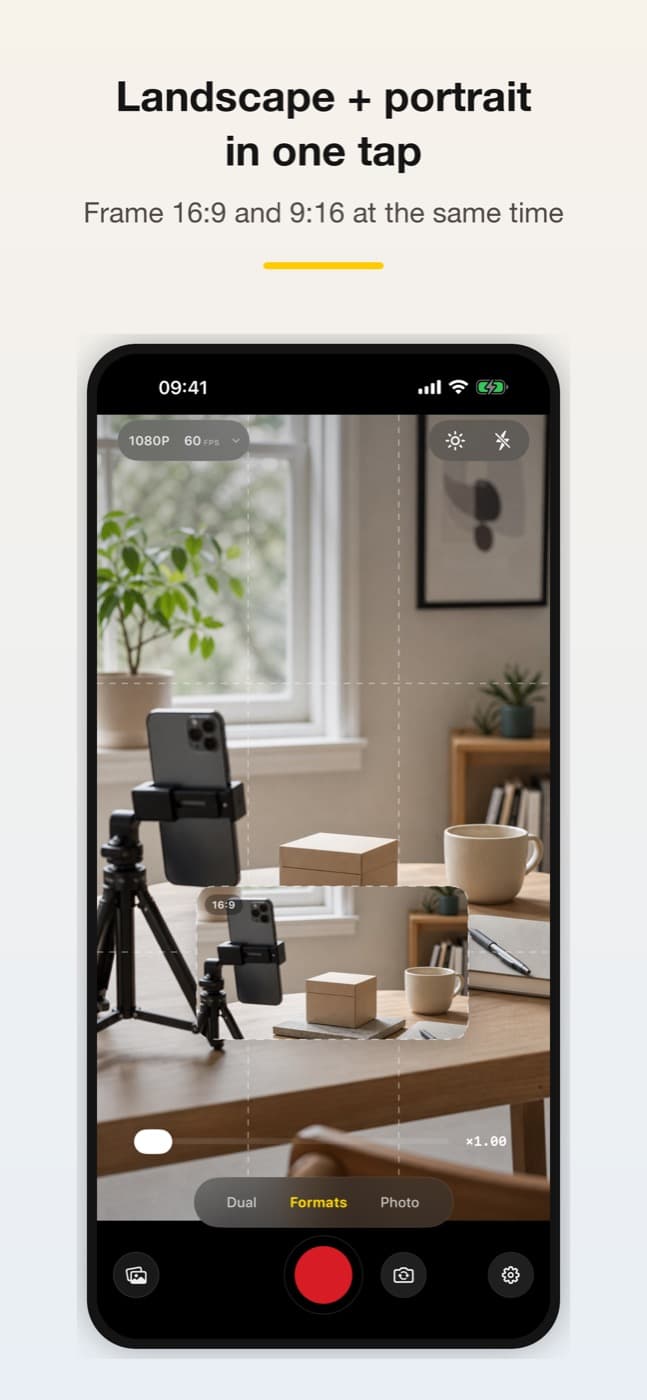
Generate portrait and landscape versions from one recording
Feature 3
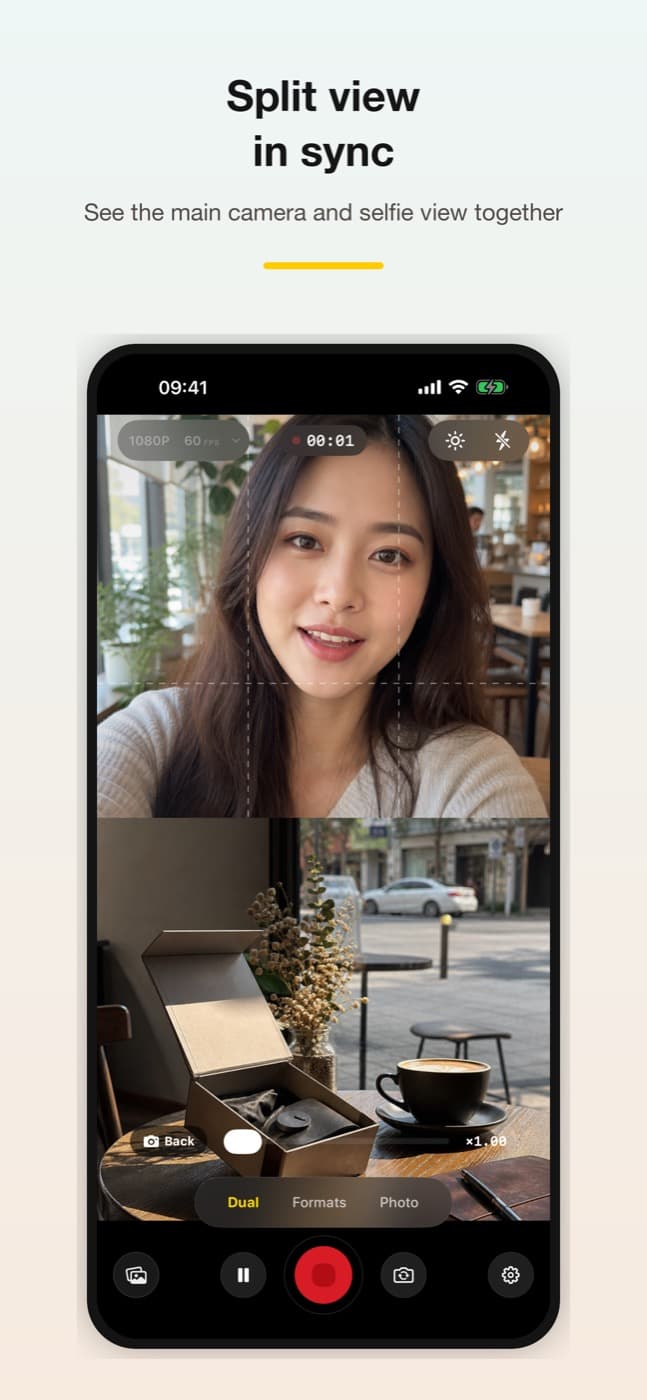
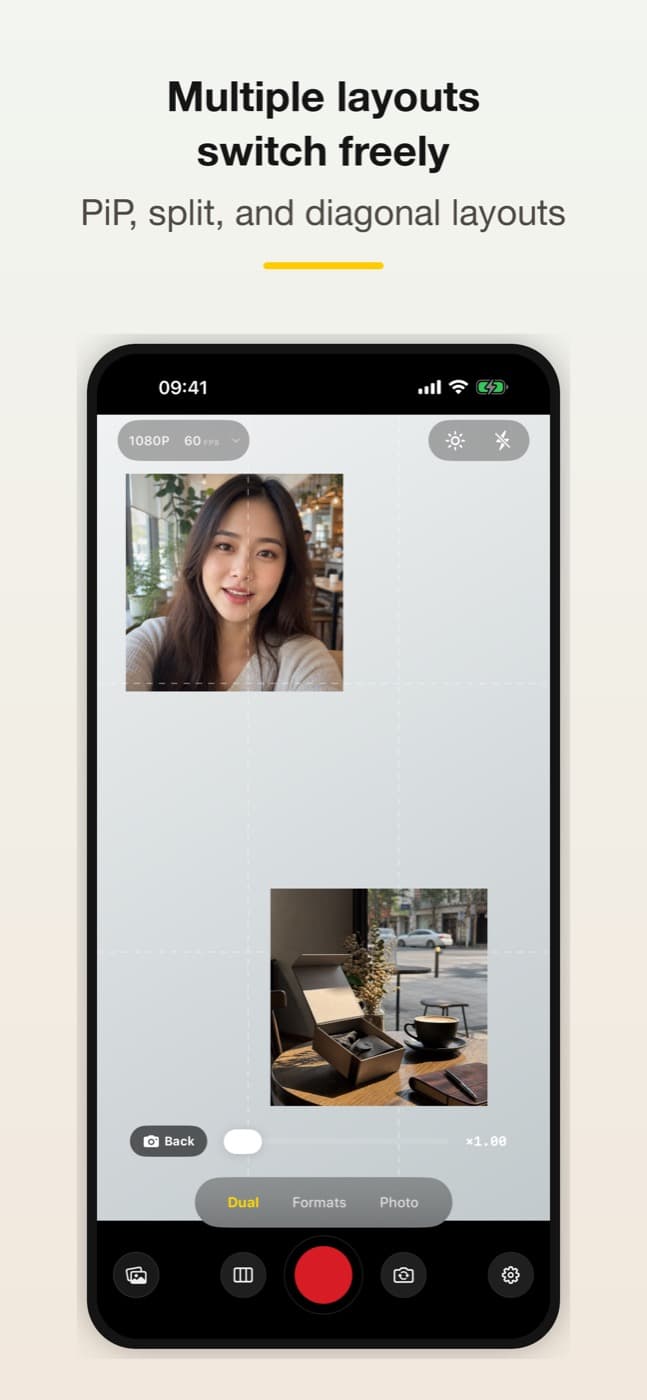
Choose picture-in-picture, top/bottom split or diagonal layouts
Feature 4
Save finished videos directly to Photos
Interface
One take for both creator formats
Built for vlogs, reactions, walk-and-talk clips and creators who need vertical and horizontal videos quickly.
Use cases
Where it helps most
Start with the real task, then decide whether this app fits your workflow.
Create reaction, tutorial, or commentary videos with front and back views together.
Prepare both vertical and horizontal versions from one recording.
Switch layouts quickly for interviews, lessons, demos, and field notes.
How it works
- 1Choose a layout
- 2Record with supported cameras
- 3Export both formats
- 4Publish without reshooting
Privacy
Capture-focused and local
DuoScene focuses on recording and exporting. App Store privacy information indicates that the app does not collect data.
FAQ
Will dual-camera recording work on every device?
No. Concurrent front-and-back capture, 4K and 60 fps options depend on the device hardware and supported capture combinations. Check the available modes on your device before recording.
What iOS version does DuoScene require?
DuoScene requires iOS 17 or later and can be downloaded from the App Store.
Get it onApp Store