Track recurring home tasks that should reset from the day you actually finish them.
Back to Apps
LoopCare
Cycle habits & life maintenance
Track chores, pet care, plants and recurring life tasks based on the last completed date.
Get it onApp StoreGet LoopCare on the App Store.
100+custom icons
Cyclesnot fixed deadlines
Interface
Recurring tasks without anxiety
Useful for filters, plants, pets, chores and anything that repeats based on the last time you did it.
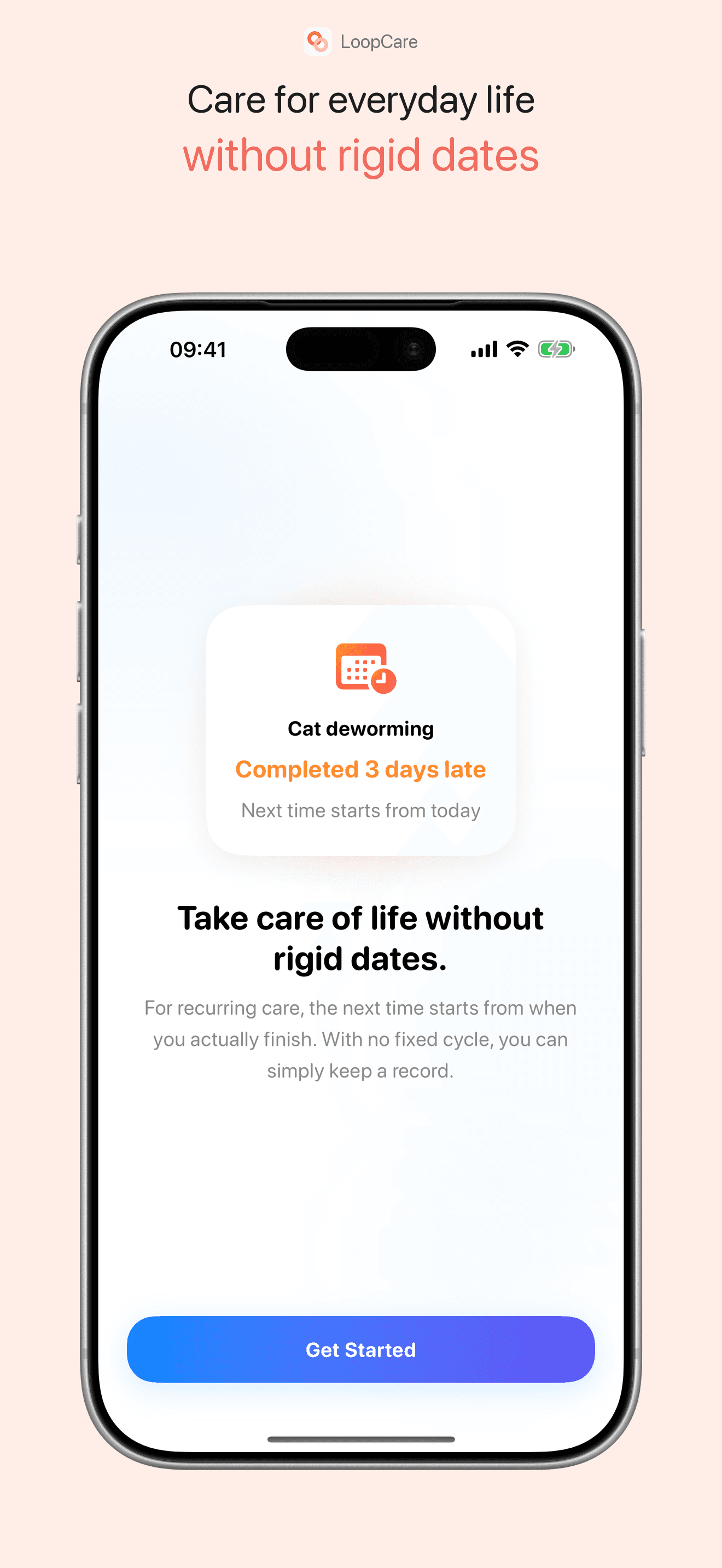
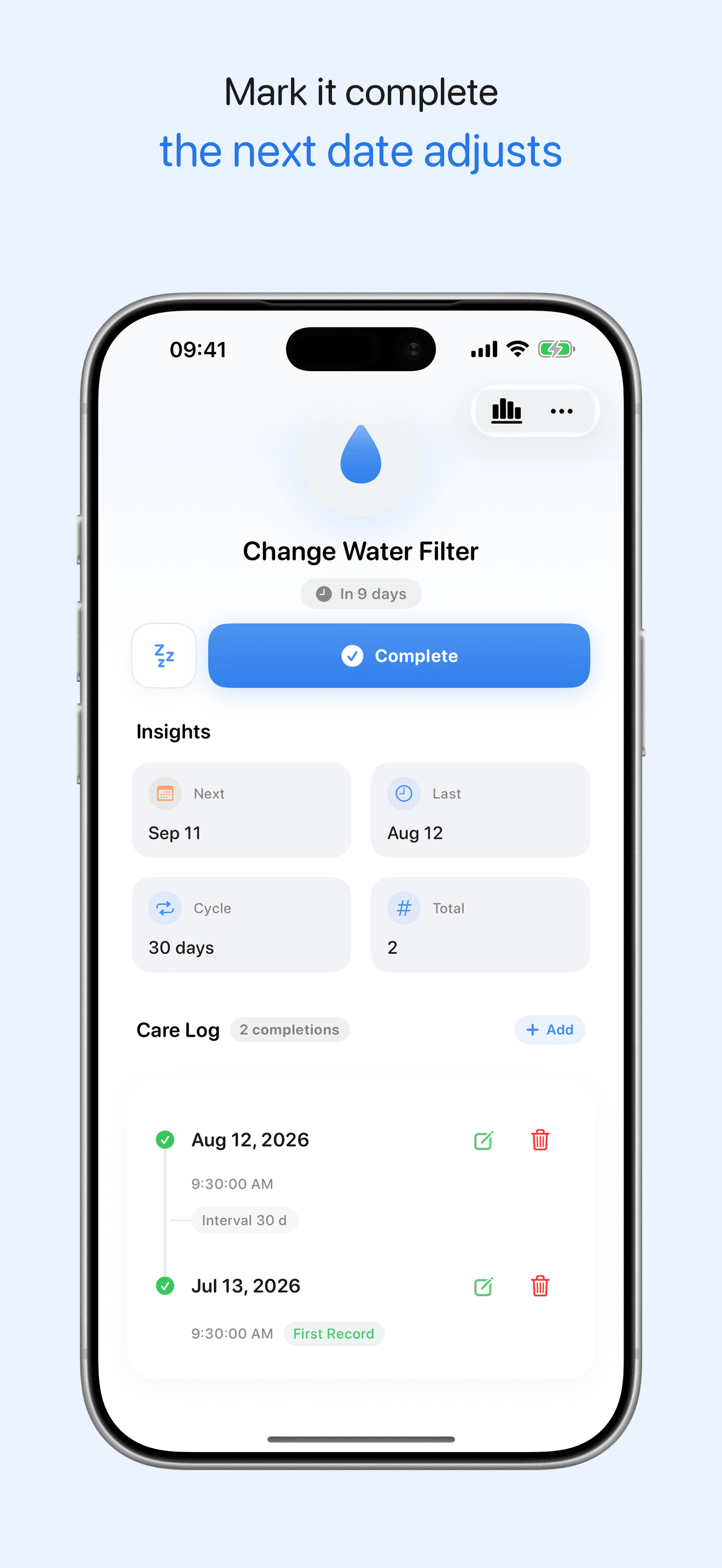
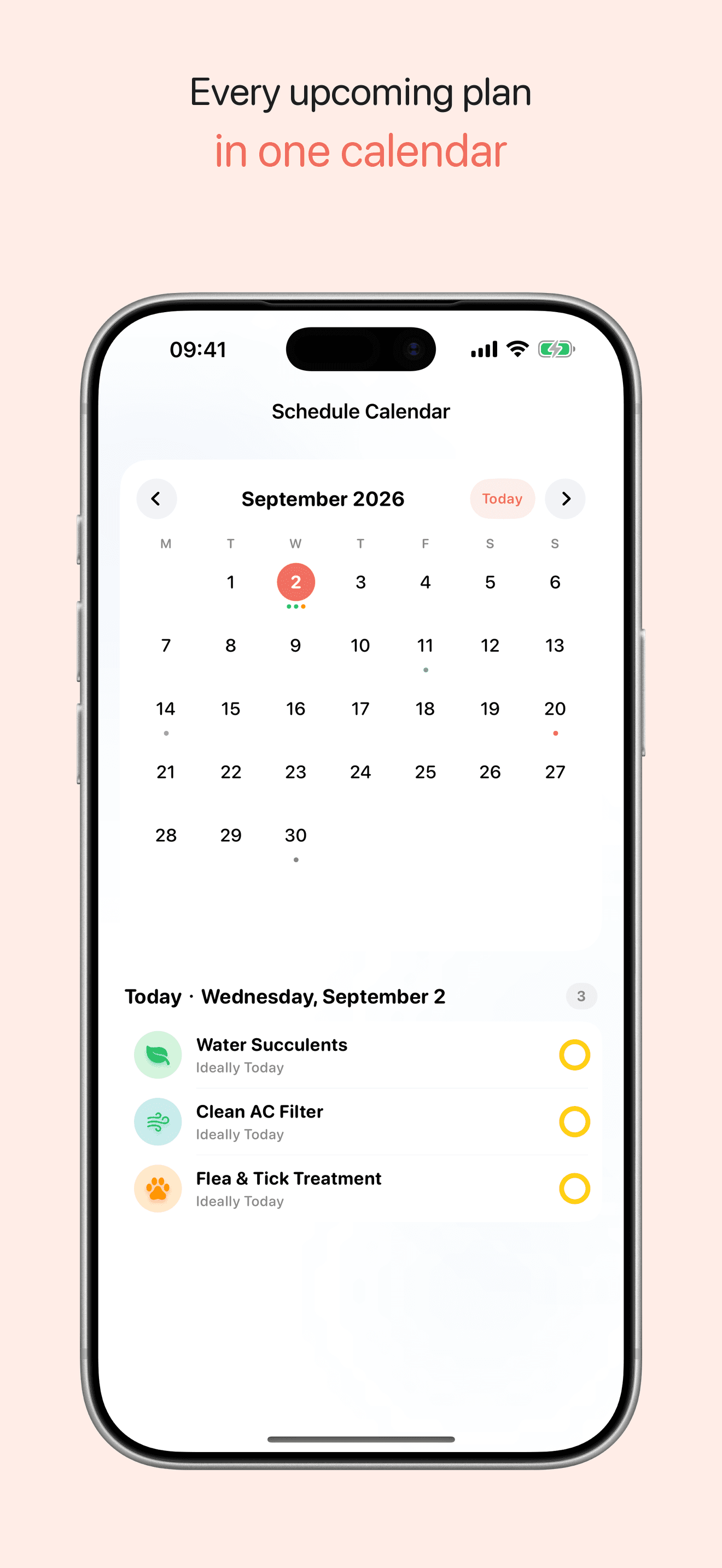
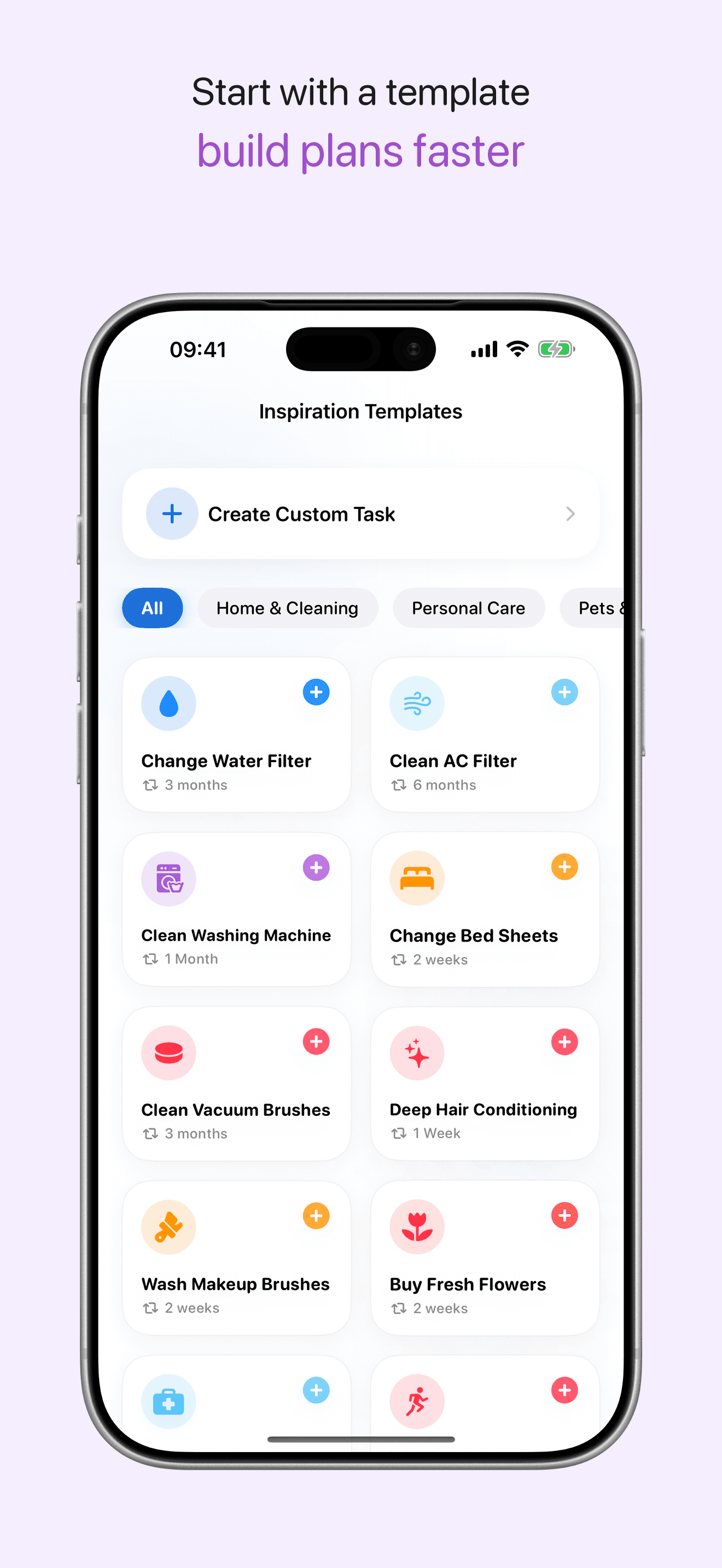
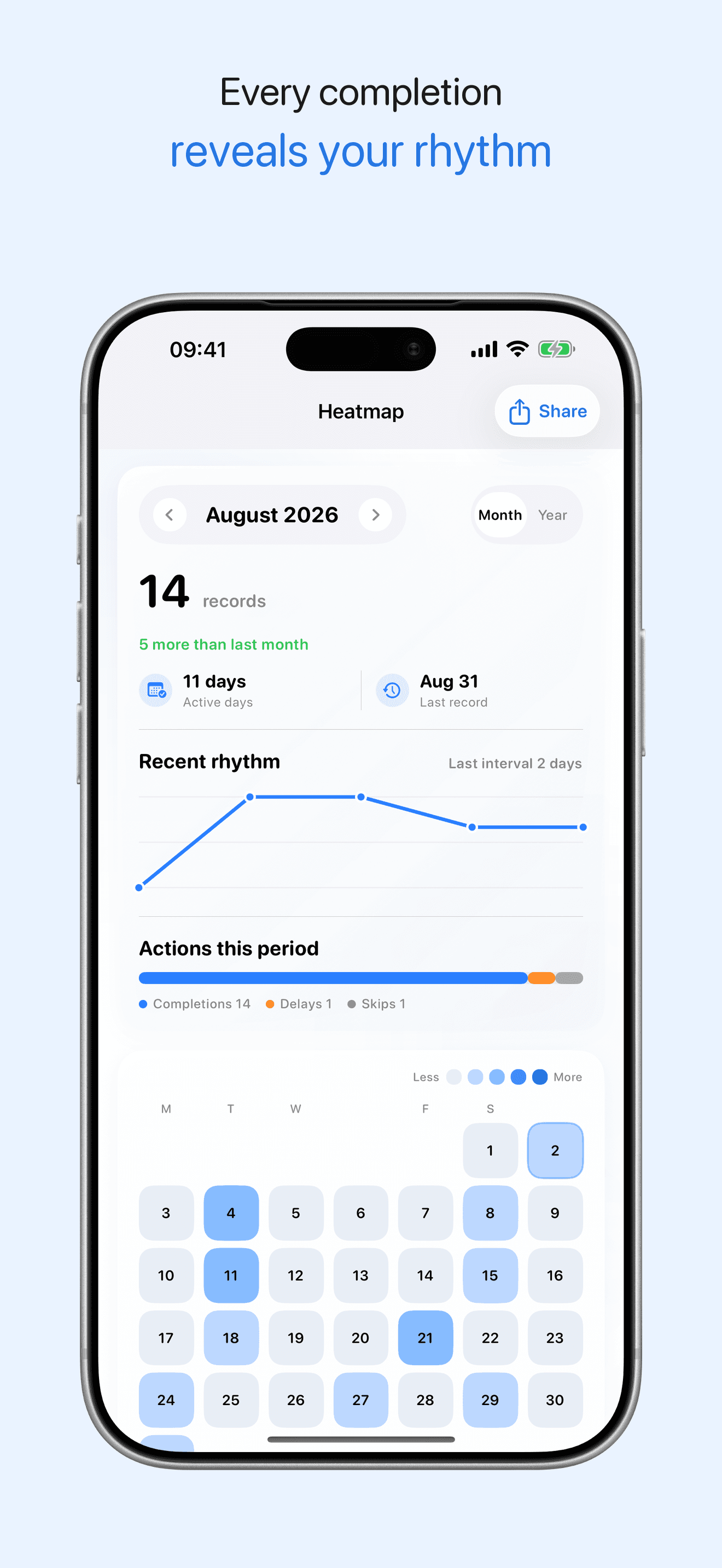
Reminders from completion
Next reminder starts from the real completion date
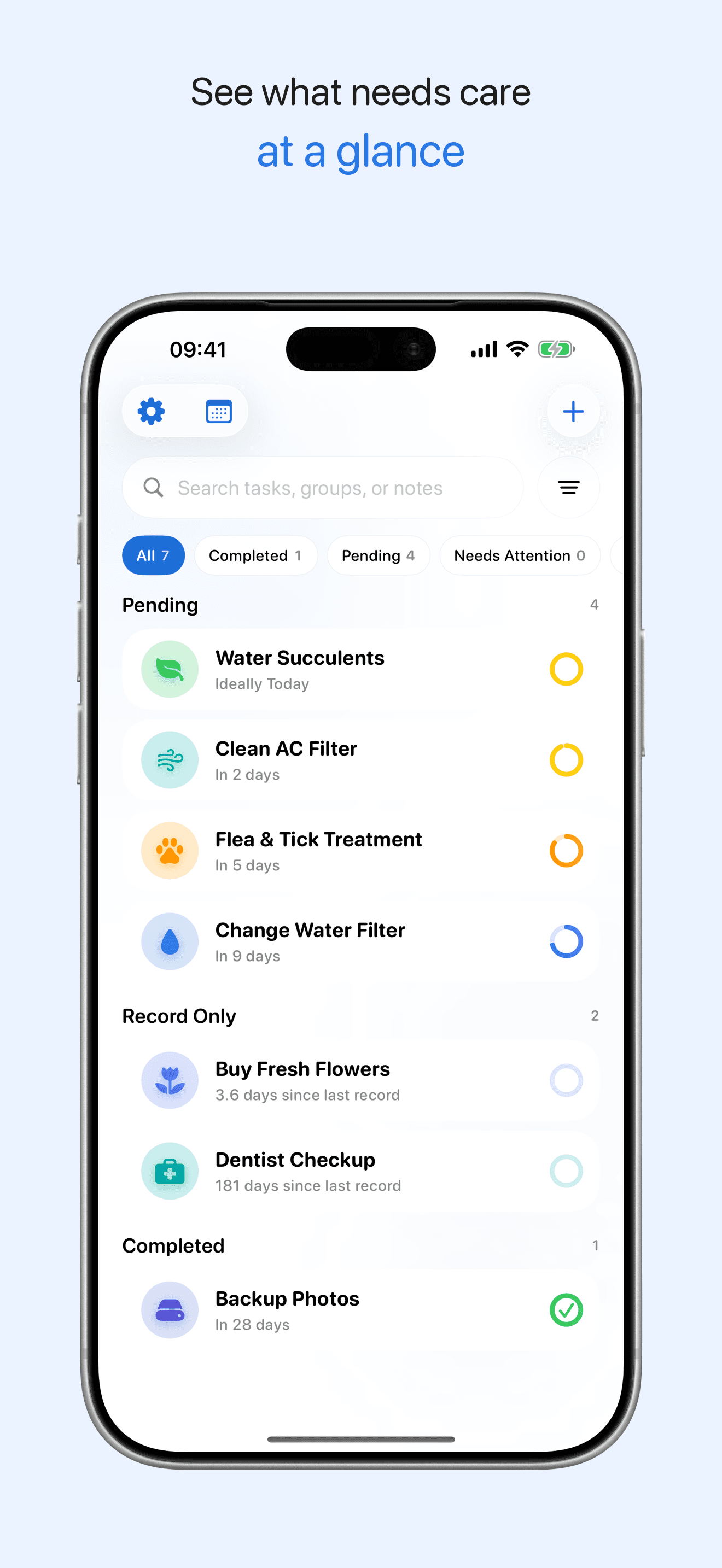
Keep up with everyday care
Manage chores, plants, pet care and home maintenance
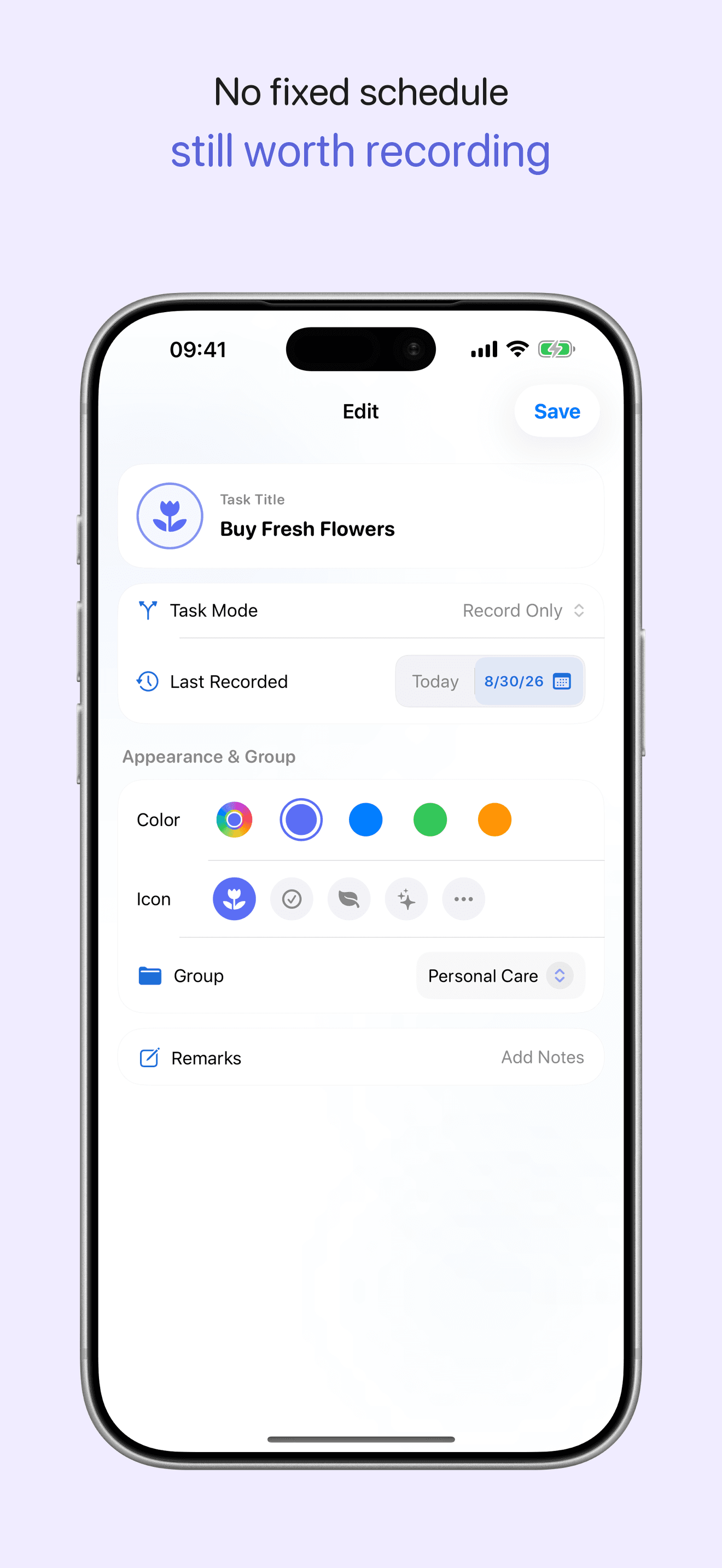
Make each task your own
Customize icons, colors, reminders and groups
Look back at your progress
Review history, notes, calendar and trend heatmaps
Made for moments like these
Maintain routines without red overdue pressure or fixed-calendar guilt.
Remember periodic cleaning, replacement, review, and maintenance tasks.
Check what needs attention next without building a full task system.
How it works
- 1Create a recurring task
- 2Set the real cycle
- 3Complete when life allows
- 4Review history and heatmaps
Privacy
Local storage and optional iCloud sync
Sync and share tasks through Apple iCloud. Members can view tasks and completion history together and maintain content according to their permissions. We do not collect task content or use it for advertising.
Frequently asked questions
How does LoopCare calculate the next cycle date?
The next date is calculated from the actual completion date, not only from the originally scheduled date. Optional iCloud sync is handled through Apple services when enabled.
What iOS version does LoopCare require?
LoopCare requires iOS 17 or later and can be downloaded from the App Store.
Get LoopCare on the App Store
Visit the App Store for details and downloads.