Track recurring home tasks that should reset from the day you actually finish them.
Back to Apps
LoopCare
Cycle habits & life maintenance
Track chores, pet care, plants and recurring life tasks based on the last completed date.
Get it onApp Store100+custom icons
Cyclesnot fixed deadlines
Core Feature
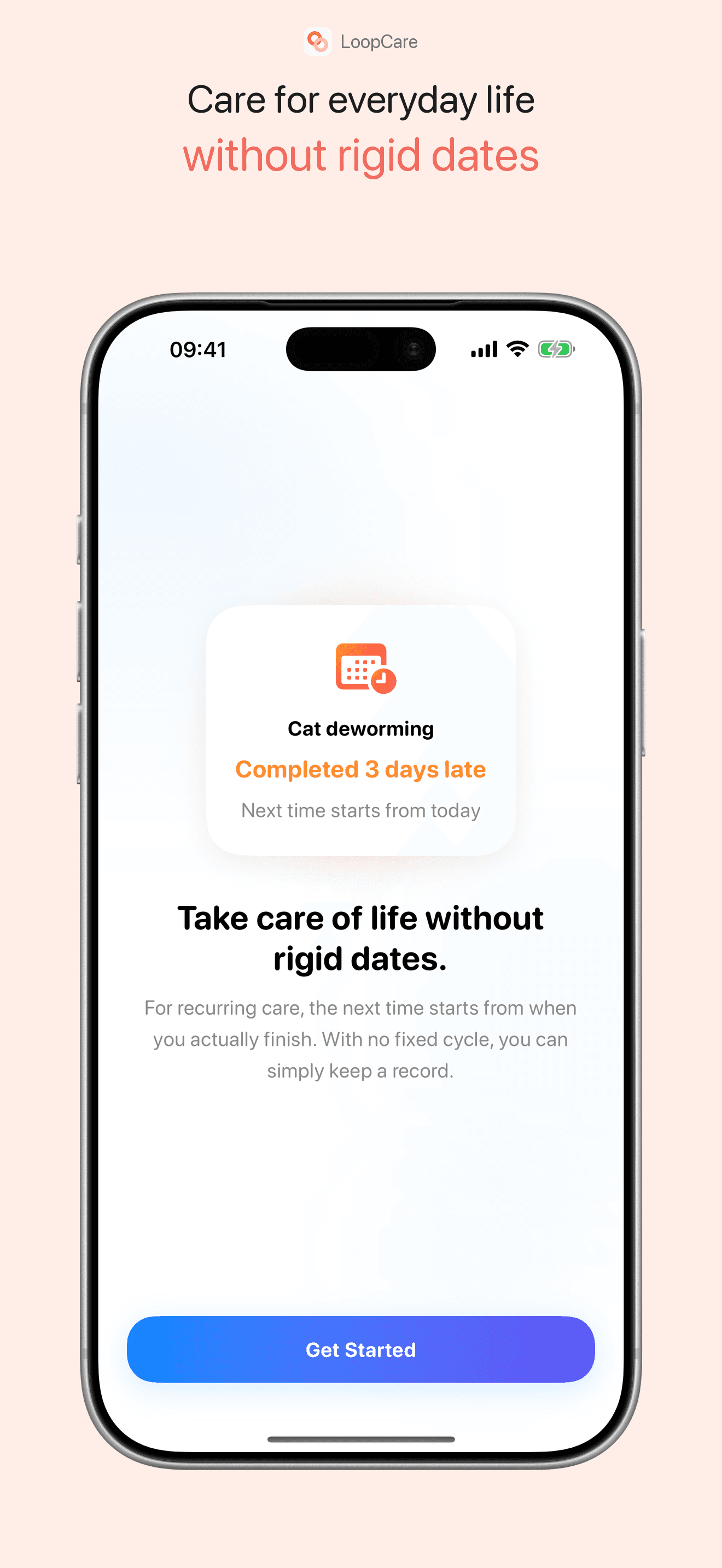
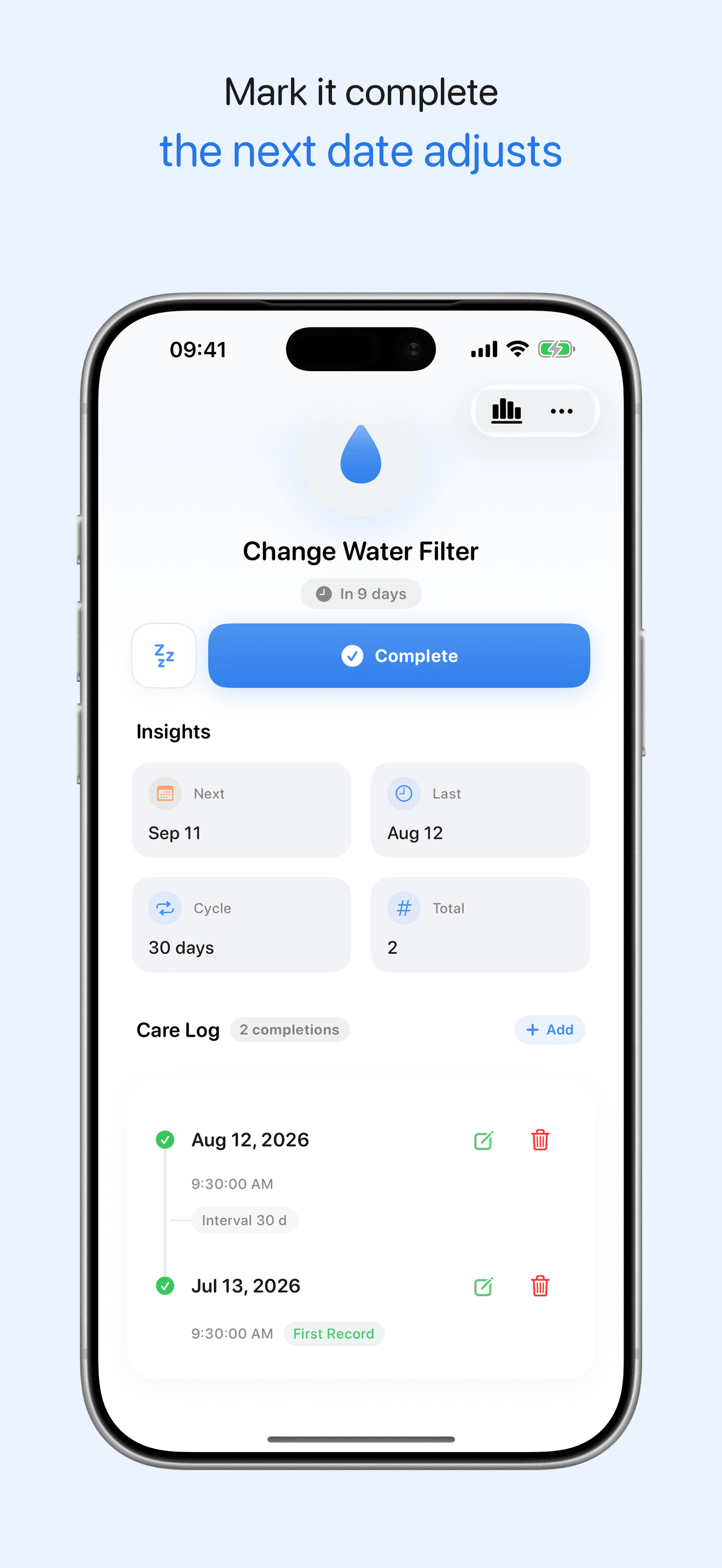
Next reminder starts from the real completion date
Feature 2
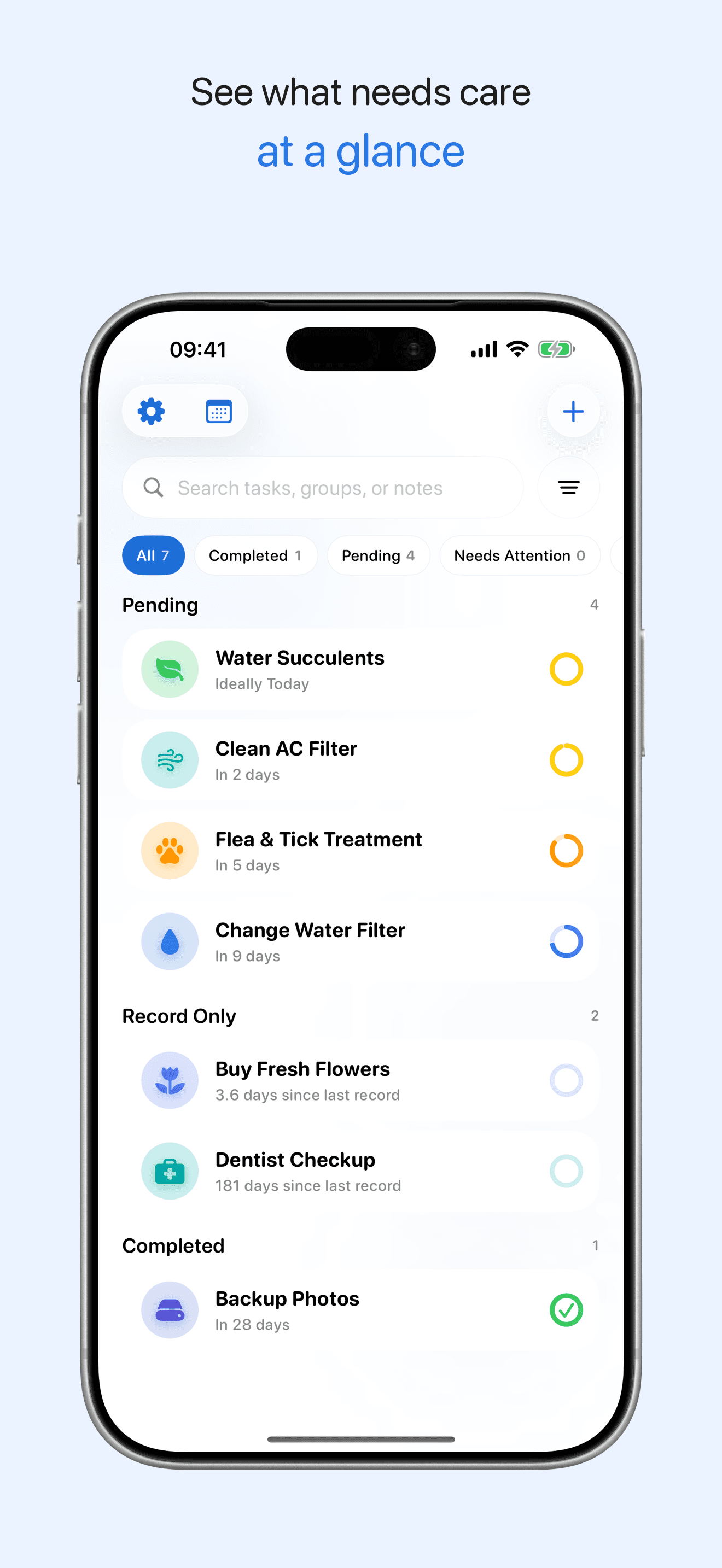
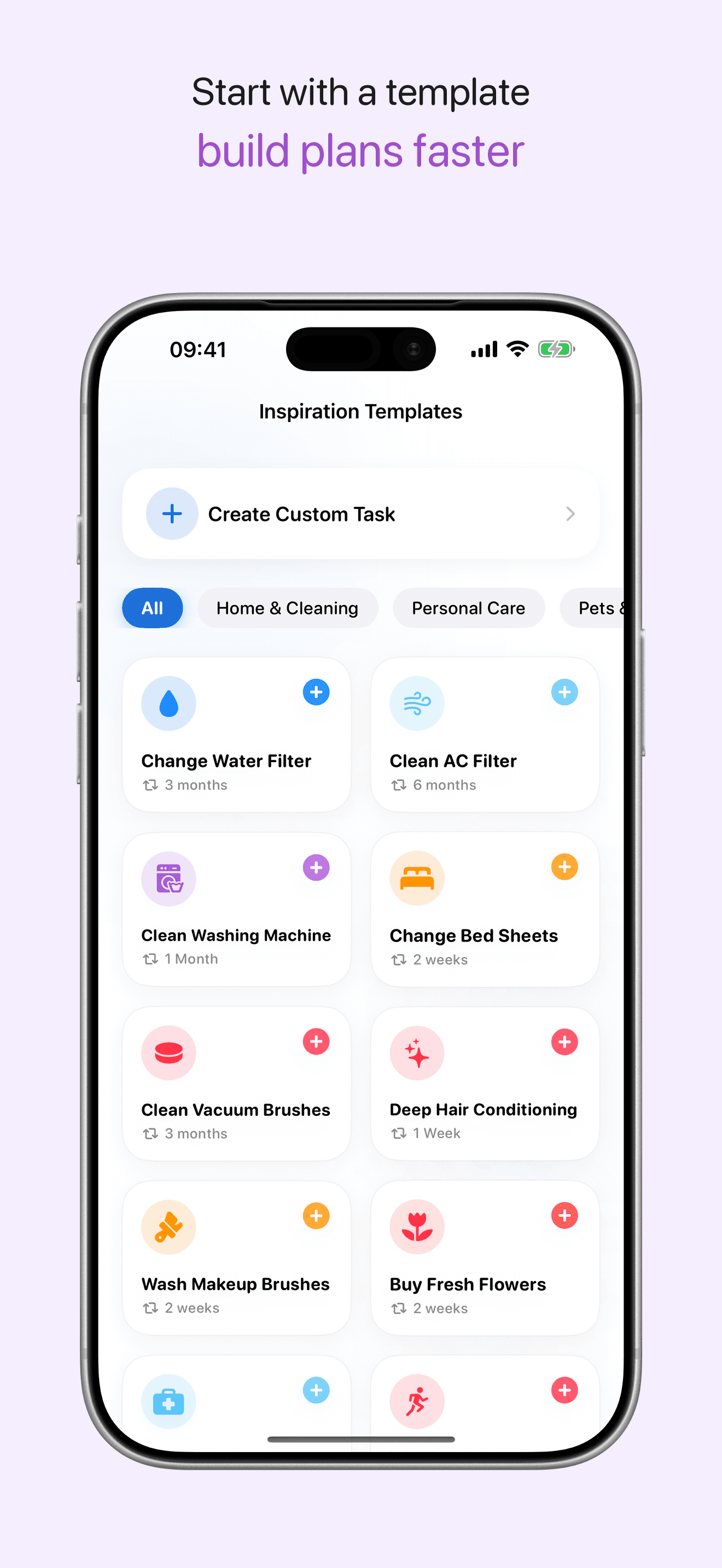
Manage chores, plants, pet care and home maintenance
Feature 3
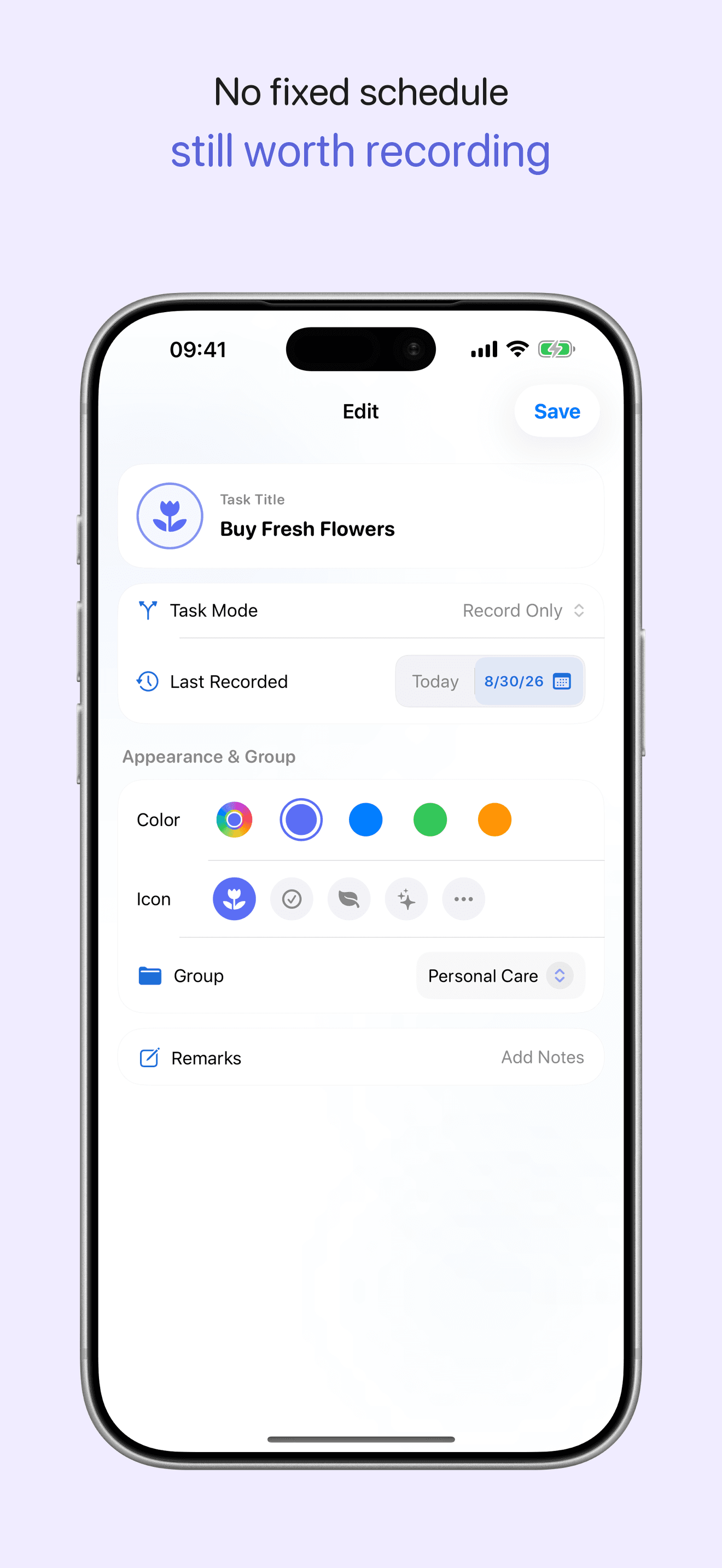
Customize icons, colors, reminders and groups
Feature 4
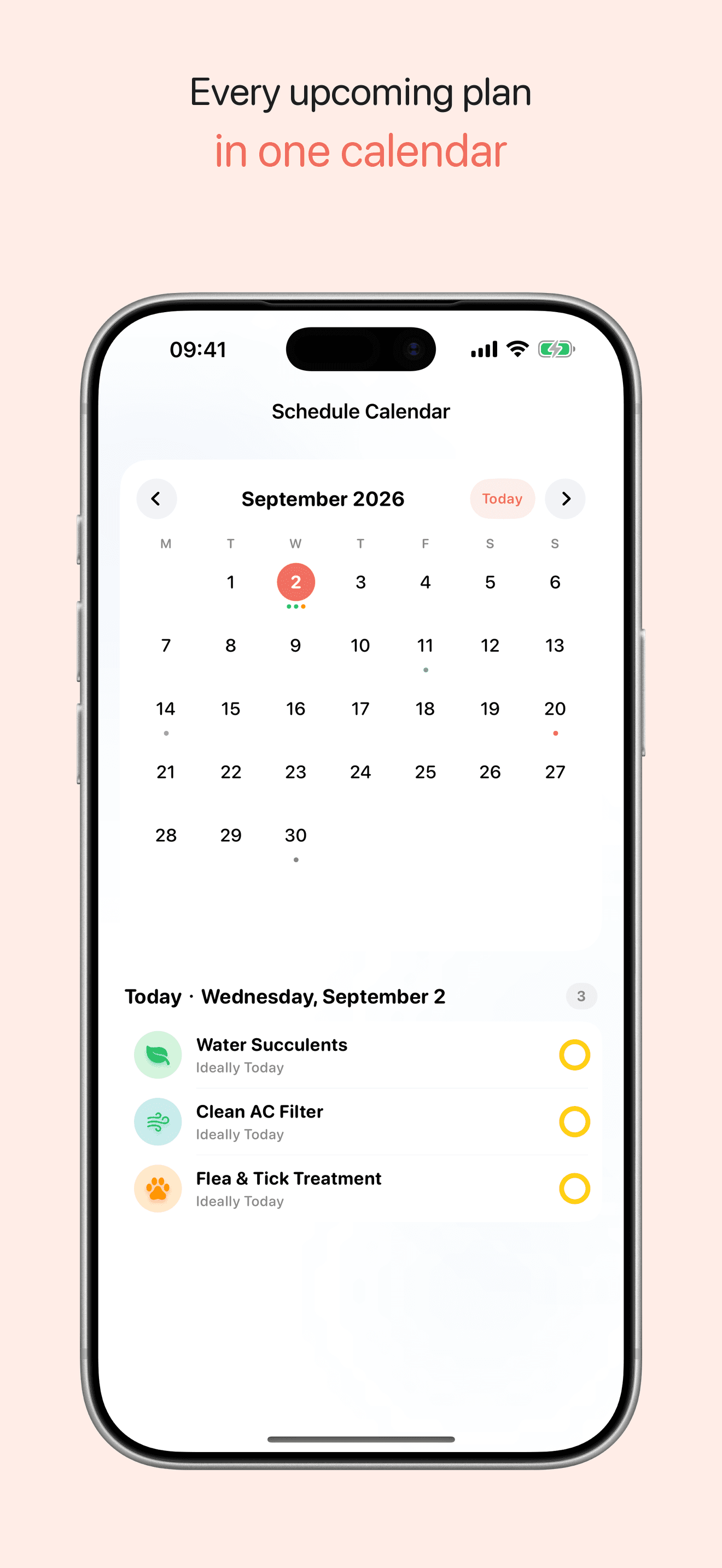
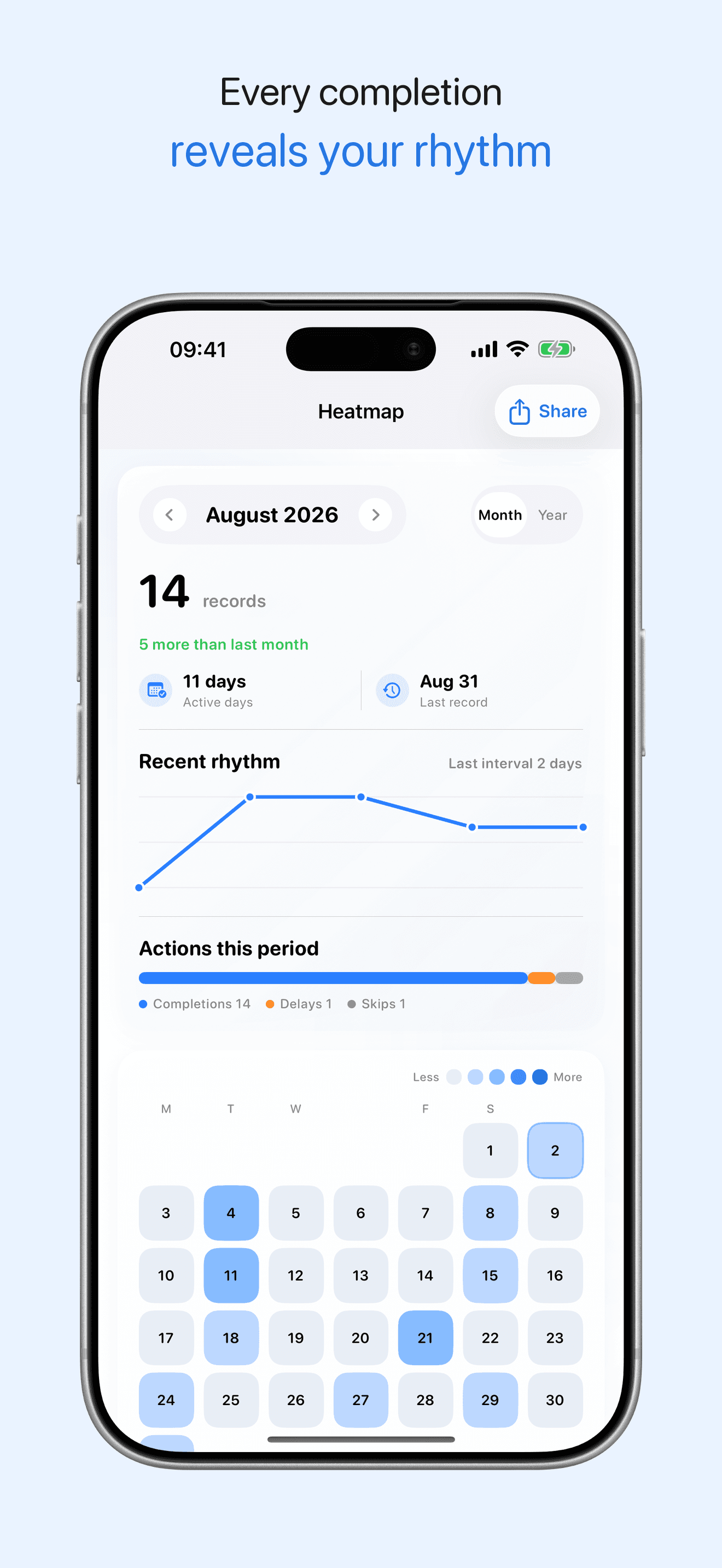
Review history, notes, calendar and trend heatmaps
Interface
Recurring tasks without anxiety
Useful for filters, plants, pets, chores and anything that repeats based on the last time you did it.
Use cases
Where it helps most
Start with the real task, then decide whether this app fits your workflow.
Maintain routines without red overdue pressure or fixed-calendar guilt.
Remember periodic cleaning, replacement, review, and maintenance tasks.
Check what needs attention next without building a full task system.
How it works
- 1Create a recurring task
- 2Set the real cycle
- 3Complete when life allows
- 4Review history and heatmaps
Privacy
Local storage and optional iCloud sync
Tasks, notes, and completion history are stored locally. If you enable iCloud sync, syncing is handled through Apple services; LoopCare does not operate a server that collects your task records.
FAQ
How does LoopCare calculate the next cycle date?
The next date is calculated from the actual completion date, not only from the originally scheduled date. Optional iCloud sync is handled through Apple services when enabled.
What iOS version does LoopCare require?
LoopCare requires iOS 17 or later and can be downloaded from the App Store.
Get it onApp Store